Featured Stage
Paino Master



What Is Piano Master?
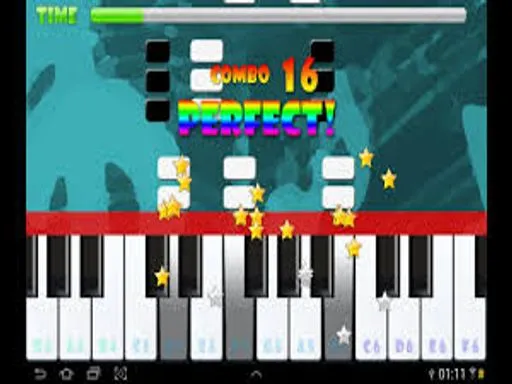
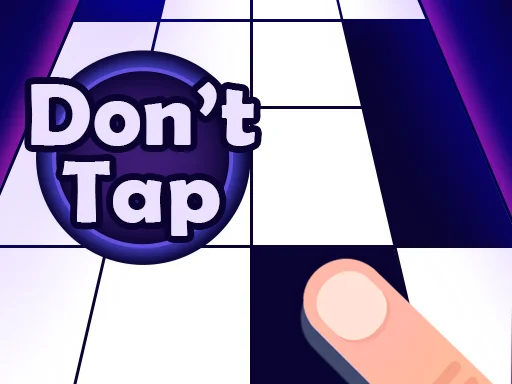
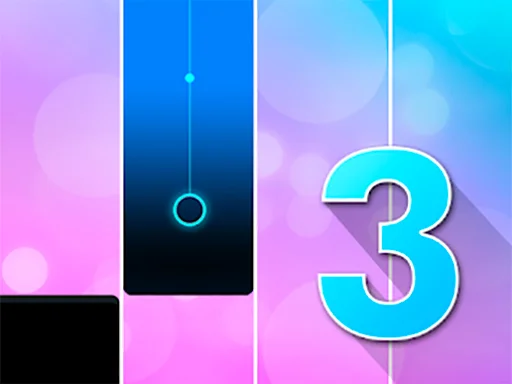
Piano Master is a fast rhythm game where you tap along with the music and try to keep up with the beat. In Piano Master, rows of black tiles slide down the screen while a song plays in the background. Your job is simple but intense: hit every black tile, avoid empty spaces, and keep the melody flowing without a mistake. If you miss a tile or tap the wrong spot, the round ends and you start again.
Unlike a strict piano lesson, Piano Master feels like an arcade challenge. You choose a track, follow the scrolling tiles, and fight to survive as the tempo increases. The higher your score, the closer you are to becoming a true “piano master.” Many songs in Piano Master are inspired by classical pieces, pop hits, and upbeat electronic tracks, so there is always something that matches your mood.
Who Is Piano Master For?
Piano Master is perfect for players who enjoy quick reaction games and catchy music. You do not need any real piano experience. The game teaches you through repetition and rhythm, and after a few rounds you will find yourself reacting faster, hearing patterns in the music, and pushing for higher scores.
Play Piano Master Directly in Your Browser
One of the best things about Piano Master is that it runs straight in your browser. The game is built with modern HTML5 technology, so you do not need to download anything or install plug-ins. Just open the game page and start playing instantly on desktop, laptop, tablet, or mobile.
Because Piano Master is browser-based, everything loads quickly. You can jump into a short run while you are on a break, between classes, or relaxing at home. Progress is tied to your device, so you can come back later and try to beat your own high score without creating an account.
Why Play Piano Master on magictiles.org?
For a smooth, distraction-free experience, you can play Piano Master directly on our site at https://magictiles.org/. Here you get:
- Quick loading and responsive performance.
- Easy access to Piano Master alongside other rhythm and piano games.
- A clean layout that keeps the focus on the tiles and the music.
Bookmark magictiles.org so you can return to Piano Master any time you feel like a fast music challenge.
How to Control Piano Master
The rules of Piano Master are simple, but mastering the controls takes practice. All versions share the same core idea: tap only on the correct tiles and keep perfect timing with the song.
Controls on PC or Laptop
On desktop or laptop, Piano Master usually works like this:
- Mouse – Click directly on the black tiles as they reach the tapping zone.
- Touchpad – On a notebook, you can tap the tiles using your trackpad instead of a mouse.
- Keyboard (sometimes) – Some builds let you press keys that match the position of the tiles, but the main control scheme is mouse or touch input.
As the music speeds up, the tiles fall faster. Your hand-eye coordination is the key to staying alive in Piano Master.
Controls on Mobile or Tablet
On mobile devices, Piano Master feels like a native touch app:
- Tap the black tiles with one or more fingers.
- Keep your taps light and quick, just like playing real keys.
- Avoid tapping blank spaces or white tiles, because one mistake ends your run.
Because Piano Master is responsive, you can rotate your phone or tablet and play in portrait mode, which feels very close to popular piano tile apps.
Tips to Improve in Piano Master
To get better at Piano Master, try these simple tips:
- Start with slower songs.
- Use both hands on harder tracks.
- Listen to the rhythm instead of staring at each tile.
Where Does Piano Master Come From?
Piano Master belongs to the popular family of piano tiles and rhythm games that exploded on mobile and web in the last decade. Many gaming portals now host Piano Master as an HTML5 arcade title, often grouped under categories like music, casual, and clicker.
The game takes the basic idea from classic piano tile titles: you choose a song, and a stream of tiles represents the notes. What makes Piano Master appealing is the blend of bright visuals, a variety of music choices, and simple one-tap controls. Because Piano Master runs in the browser, it can reach players all over the world who want a quick musical challenge without installing a separate app.
Frequently Asked Questions About Piano Master
Is the game free to play?
Yes. Piano Master is free to play in your browser. You can open the game on magictiles.org and start a song in just a few seconds, without payment or registration.
Do I need to know how to play real piano?
No. Piano Master uses tiles to guide your tapping instead of sheet music. You improve by listening to the rhythm and reacting on time. If you already play piano, the game is still a fun way to train rhythm and hand-eye coordination.
Can I play the game on my phone?
Yes. Piano Master is made with HTML5, so it works on most modern mobile browsers as well as PC and tablet. Just visit magictiles.org in your browser and launch the game. The layout adapts to your screen and touch controls.
Why should I play the game on magictiles.org instead of downloading an app?
Playing the game on magictiles.org gives you instant access with no storage worries and no long updates. You can open a browser tab, play a few songs, close it, and return later on the same device. It is a simple, low-friction way to enjoy the game whenever you want a short burst of musical fun.
Whether you are a music lover, a casual gamer, or someone who just wants to test their reflexes, Piano Master is an addictive way to challenge yourself. Open your browser, visit magictiles.org, start Piano Master, and see how long you can keep the music going without missing a single tile.


Comments
Loading comments…