If you have ever watched someone crush a fast song in Magic Tiles 3, you know it can look like pure speed. But the truth is better: Magic Tiles 3 is mostly about timing, rhythm, and staying calm when the notes get wild.
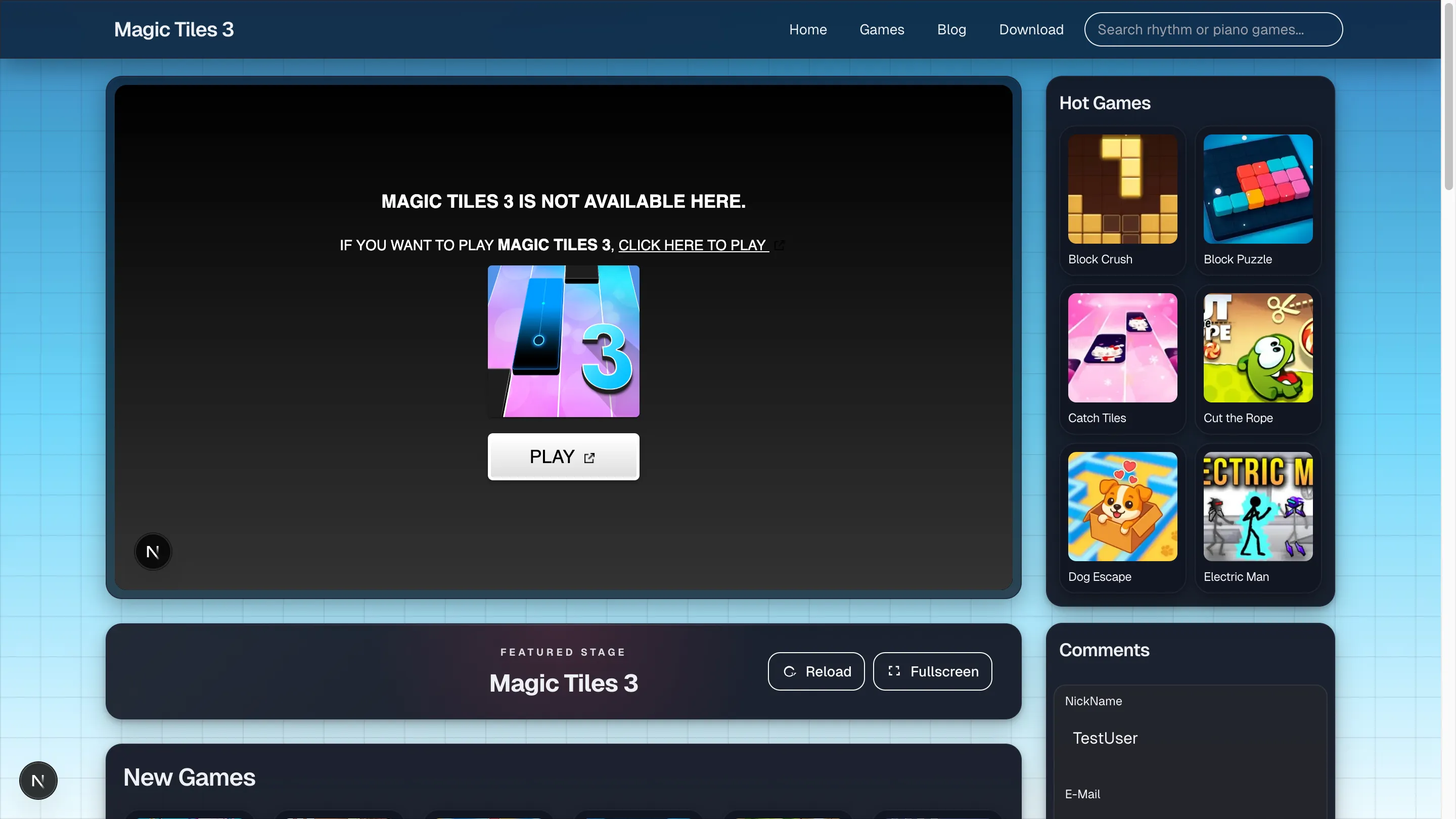
In this guide, you will learn how to play Magic Tiles 3 from the basics to smart strategies that help you improve quickly. You will also find a practice plan, common mistakes, and a helpful FAQ. And if you want to practice in a browser, you can try Magic Tiles 3 on my website: https://magictiles.org.
What Is Magic Tiles 3?
Magic Tiles 3 is a rhythm game where tiles fall down the screen in time with music. Your job is to tap the right tiles at the right time so the song keeps playing. The game starts easy, then ramps up fast, especially in harder tracks.
What makes Magic Tiles 3 addictive is the mix of:
- Simple rules
- Music-driven timing
- Increasing speed
- That "one more try" feeling
If you understand the beat, Magic Tiles 3 becomes easier. If you panic, Magic Tiles 3 becomes chaos. The goal is to turn chaos into rhythm.
How Do You Play Magic Tiles 3? The Core Rules
To understand how to play Magic Tiles 3, memorize these rules:
- Tap the black tiles when they reach the hit area.
- Do not tap white tiles or empty spaces.
- Hold long tiles until the note ends.
- Slide or drag notes (in some versions) when the game shows a direction.
- Missing a tile usually ends the run, so accuracy matters.
That is the foundation. Everything else in Magic Tiles 3 is about doing those rules faster and more consistently.
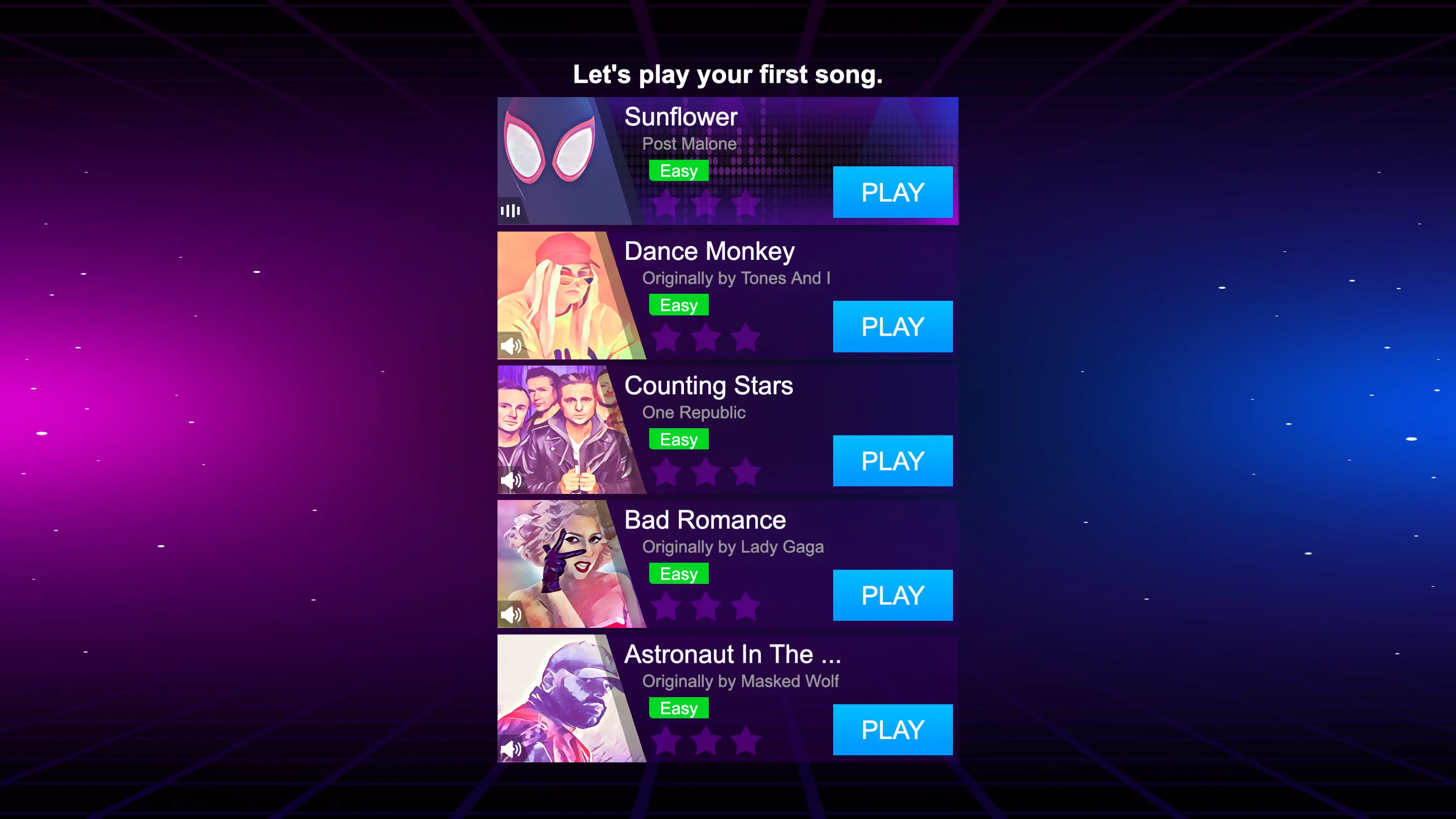
Getting Started: Your First Song in Magic Tiles 3
Here is the easiest way to begin Magic Tiles 3 without getting overwhelmed.
Step 1: Pick a slower song
Choose an easy track first. In Magic Tiles 3, slower songs teach you timing without stress.
Step 2: Turn on sound
This is a music game. With sound on, Magic Tiles 3 feels like you are tapping with the song, not chasing falling blocks.
Step 3: Find the hit zone
There is usually a tap area near the bottom. The key to Magic Tiles 3 is not where the tiles spawn, but where you hit them.
Step 4: Tap lightly and evenly
Try to keep your taps small and controlled. In Magic Tiles 3, heavy tapping often causes mistakes.
Step 5: Finish the song, even if your score is low
Early on, your main win in Magic Tiles 3 is completing songs cleanly. Scores improve later.
Controls: How to Play Magic Tiles 3 on Different Devices
Magic Tiles 3 can be played with different controls depending on your device.
On mobile (touchscreen)
Most players use:
- One or two fingers to tap tiles
- Press-and-hold for long notes
- A quick drag for slide notes (if your version has them)
On PC (keyboard or mouse)
If you play Magic Tiles 3 in a browser on magictiles.org, you can often use:
- Keyboard keys for different lanes
- Mouse clicks for tiles
- Click-and-hold for long notes
No matter the device, Magic Tiles 3 is the same game: right lane, right time, steady rhythm.
Tile Types You Must Recognize in Magic Tiles 3
Knowing the note types makes Magic Tiles 3 feel less random.
1) Tap tiles
The standard black tile. Tap once.
2) Hold tiles
A long tile or long note. Press and keep holding until it ends. Magic Tiles 3 tip: Do not over-focus on hold tiles. You can hold with one finger and tap with the other.
3) Slide tiles (in some versions)
The tile asks you to drag slightly in a direction. It is still a timing test, just with movement.
If you can spot these quickly, Magic Tiles 3 becomes smoother.
The Real Secret: Timing in Magic Tiles 3
People ask how to play Magic Tiles 3 like a pro, and the answer is almost always timing.
What good timing looks like
- You tap when the tile reaches the hit zone
- Your taps match the beat
- You do not rush during fast sections
What bad timing looks like
- Early taps (the most common mistake in Magic Tiles 3)
- Panic tapping
- Looking too high on the screen and reacting too late
Magic Tiles 3 is a rhythm game wearing a tapping-game costume. If you treat it like rhythm, it gets easier.
Where to Look: Eye Placement in Magic Tiles 3
Your eyes control your hands. In Magic Tiles 3, your eyes should stay near the strike line.
Why this works
- Tiles move fast at the top
- The hit zone is where timing matters
- Your brain can predict patterns better when you focus low
A great habit in Magic Tiles 3 is to use peripheral vision:
- You notice tiles above
- But you aim at the hit zone
This one change can instantly improve Magic Tiles 3 accuracy.
How Scoring Works in Magic Tiles 3
Scoring systems can vary, but in Magic Tiles 3, two things usually matter most:
1) Accuracy
Clean hits beat messy hits.
2) Combo
A combo is a streak of correct taps. In Magic Tiles 3, protecting your combo is often the difference between okay and great.
Magic Tiles 3 mindset: do not chase speed, chase clean streaks.
The Best Beginner Tips for Magic Tiles 3
If you want quick progress in Magic Tiles 3, start here.
Use two fingers sooner than you think
Two fingers reduce panic. As Magic Tiles 3 speeds up, one finger can feel like a bottleneck.
A simple setup:
- Left finger covers left lanes
- Right finger covers right lanes
Keep your taps small
In Magic Tiles 3, big finger lifts slow you down. Small motions help you stay on beat.
Warm up with an easy song
A 60-second warm-up makes Magic Tiles 3 feel less stiff, especially if you are playing after a break.
Stop playing when you are tilted
Tilt equals frustration. Frustration equals rushed taps. Rushed taps equals fail. In Magic Tiles 3, calm hands win.
Intermediate Skills: How to Get Better at Magic Tiles 3 Faster
Once you can finish songs, it is time to level up your Magic Tiles 3 skills.
Learn patterns, not single tiles
Many Magic Tiles 3 songs repeat patterns:
- Left-right-left-right
- Double taps
- Short bursts followed by a pause
When you recognize patterns, Magic Tiles 3 stops feeling impossible.
Train "hold + tap"
This is a classic skill check in Magic Tiles 3.
Practice it like this:
- Hold with one finger
- Keep the other finger free to tap incoming tiles
If you master this, hard songs in Magic Tiles 3 become more manageable.
Play a song you can almost beat
The best training zone in Magic Tiles 3 is challenging but not hopeless. If you fail in 5 seconds, it is too hard. If you never fail, it is too easy.
Advanced Habits That Make Magic Tiles 3 Feel Slower
Yes, slower. The game speed does not change, but your brain does.
Relax on easy parts
Pros do not stay tense the whole song. In Magic Tiles 3, relaxed hands prevent late-song mistakes.
Use rhythm words in your head
Quietly think:
- "tap tap hold"
- "left right left"
- "fast-fast-slow"
It sounds silly, but in Magic Tiles 3, it keeps your timing stable.
Keep a stable hand position
On mobile: rest your hands lightly so your fingers do not float. On keyboard: keep fingers hovering over the same keys. Stability makes Magic Tiles 3 more consistent.
Common Mistakes in Magic Tiles 3 (and How to Fix Them)
Mistake 1: Watching the top of the screen
Fix: Focus near the hit zone. This improves timing in Magic Tiles 3.
Mistake 2: Tapping too early
Fix: Wait for the strike line. Early taps break runs in Magic Tiles 3.
Mistake 3: Smashing the screen
Fix: Tap lightly. Heavy taps cause slips and mis-hits in Magic Tiles 3.
Mistake 4: Playing tired
Fix: Short sessions are better. In Magic Tiles 3, fatigue kills accuracy.
A Simple 10-Minute Practice Plan for Magic Tiles 3
Want steady improvement without burning out? Use this routine:
- 2 minutes: Warm-up song (easy)
- 6 minutes: Main song (repeat it)
- 2 minutes: Different song (variety)
Do this daily and you will build:
- Better timing
- Stronger pattern recognition
- Higher consistency in Magic Tiles 3
Play Magic Tiles 3 Online for Practice
If you want a quick place to practice, you can play Magic Tiles 3 on my site: https://magictiles.org.
Browser practice can be great for building rhythm because you can:
- Focus on timing without distractions
- Try different controls (keyboard or mouse)
- Repeat songs quickly
No matter where you play, the goal in Magic Tiles 3 is the same: clean taps, steady beat, calm hands.
FAQ: How Do You Play Magic Tiles 3?
Is Magic Tiles 3 hard?
Magic Tiles 3 starts easy, then gets challenging as speed increases. The difficulty is part of the fun.
Do I need fast fingers for Magic Tiles 3?
Speed helps, but timing matters more. In Magic Tiles 3, good rhythm can beat raw speed.
Should I play Magic Tiles 3 with one finger or two?
Beginners can start with one finger, but two fingers often work better once songs get fast. Many players improve in Magic Tiles 3 as soon as they switch.
Why do I keep missing tiles in Magic Tiles 3?
Most misses come from:
- Looking too high
- Tapping early
- Tensing up
Fix those and Magic Tiles 3 becomes smoother.
Can I improve quickly in Magic Tiles 3?
Yes. With a short daily routine, you can improve your timing and consistency in Magic Tiles 3 within a week.
Final Thoughts
Now you know how to play Magic Tiles 3: tap black tiles on time, hold long notes, avoid white spaces, and stay locked to the beat. Start easy, keep your eyes near the hit zone, and protect your combo.
If you want to practice right away, open Magic Tiles 3 on https://magictiles.org, pick a beginner track, and focus on clean rhythm. In Magic Tiles 3, calm accuracy is the real superpower.